Dec 10, 2025
How to Export Your WhatsApp Chat (Step-by-Step)
Exporting your WhatsApp chat is the first step to transforming your conversations into visual posters and meaningful insights using Chalytics. The process is quick, secure and handled entirely on your device.
If you are exporting a chat for the first time, follow the steps below.
Step-by-Step: Exporting Your WhatsApp Chat
1. Open WhatsApp
Open the conversation you want to analyse. This can be a private chat or a group chat.
2. Tap the Chat Name
At the top of the screen, tap the contact name or group title to open the chat details.
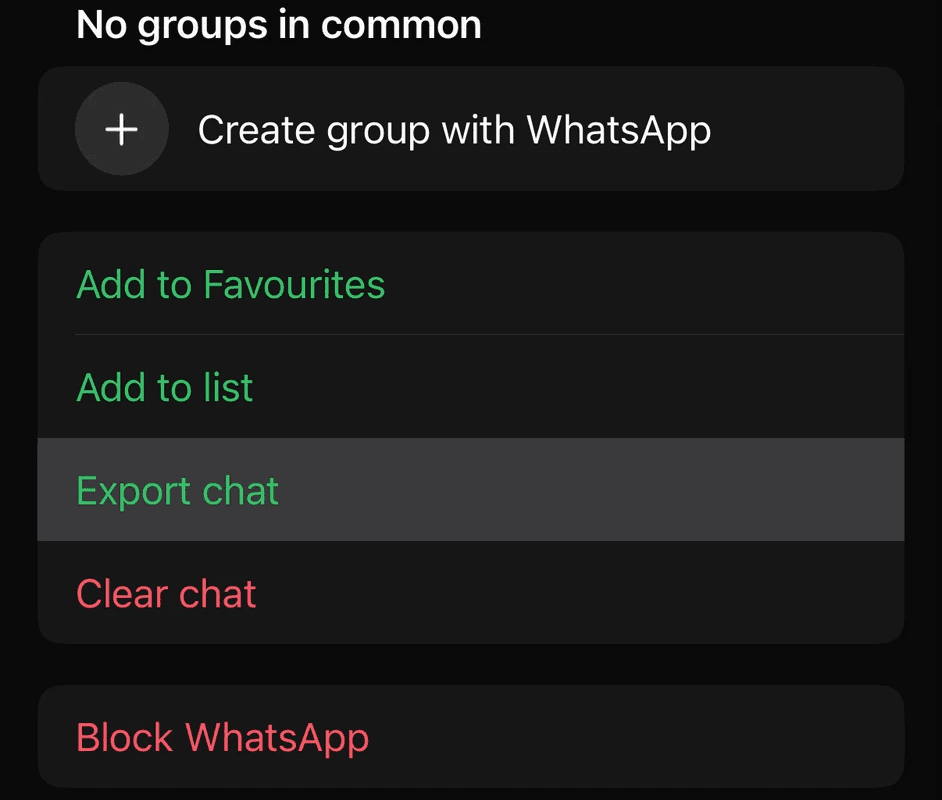
3. Select "Export Chat"
Scroll to the bottom of the information screen and tap Export Chat.
4. Choose "Without Media"
When prompted, select Without Media.
This is the only way
5. Save and Unzip the File
WhatsApp will create a .zip file containing a .txt version of your chat.
Choose Save to Files and pick a folder in the Files app.
Open the Files app and navigate to that folder.
Tap the exported
.zipfile once. iOS will automatically unzip it and create a folder with the chat.txtfile inside.
That .txt file is what you will later import into Chalytics.
Why Export Without Media
When you export without media, only the text portion of the conversation is included. This is all Chalytics needs in order to analyse:
message frequency
busiest days and years
emoji usage
reply patterns
streaks and milestones
chat timelines
Media files do not affect these insights, and excluding them keeps the export lean and efficient.
What Happens After Exporting
Once the file is saved, simply import it into Chalytics. The app will analyse your chat fully offline and present you with:
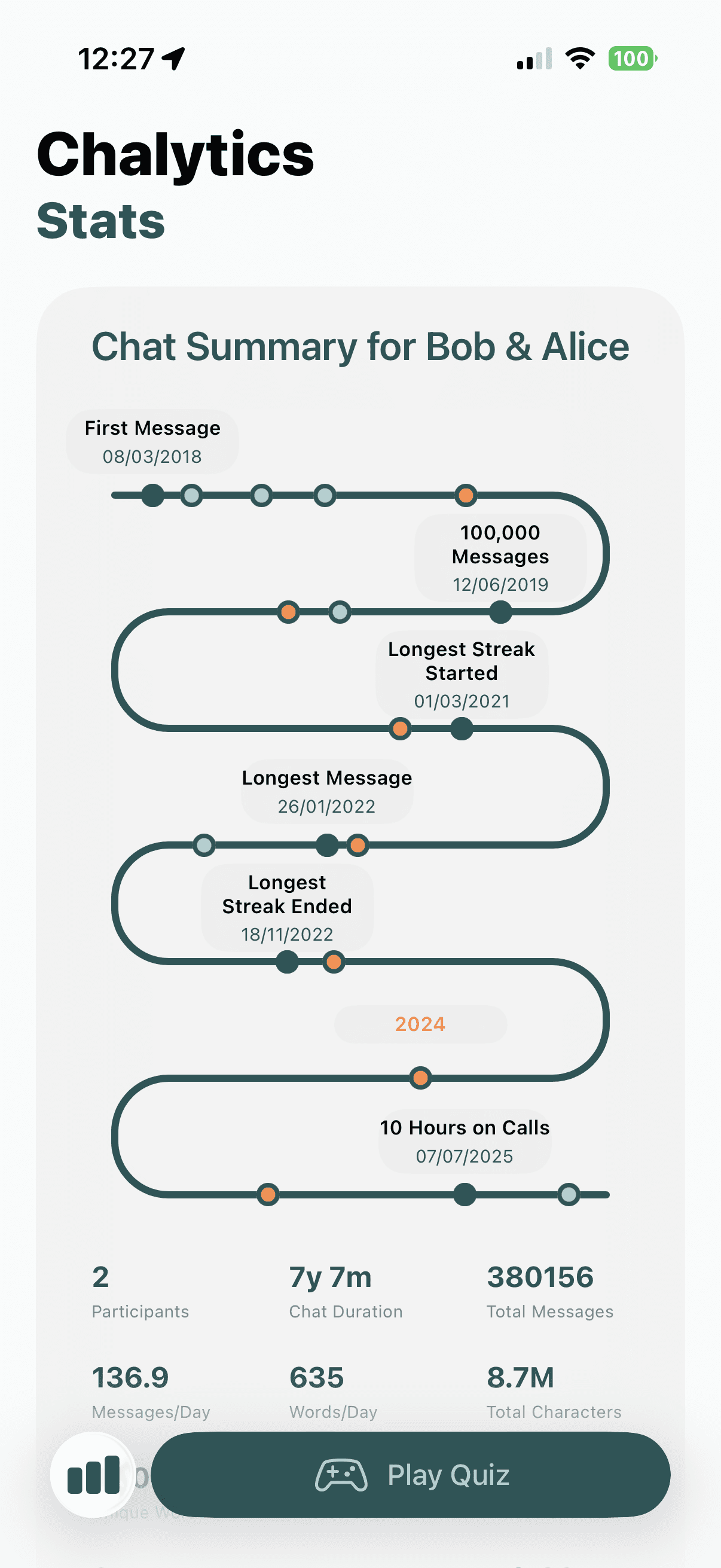
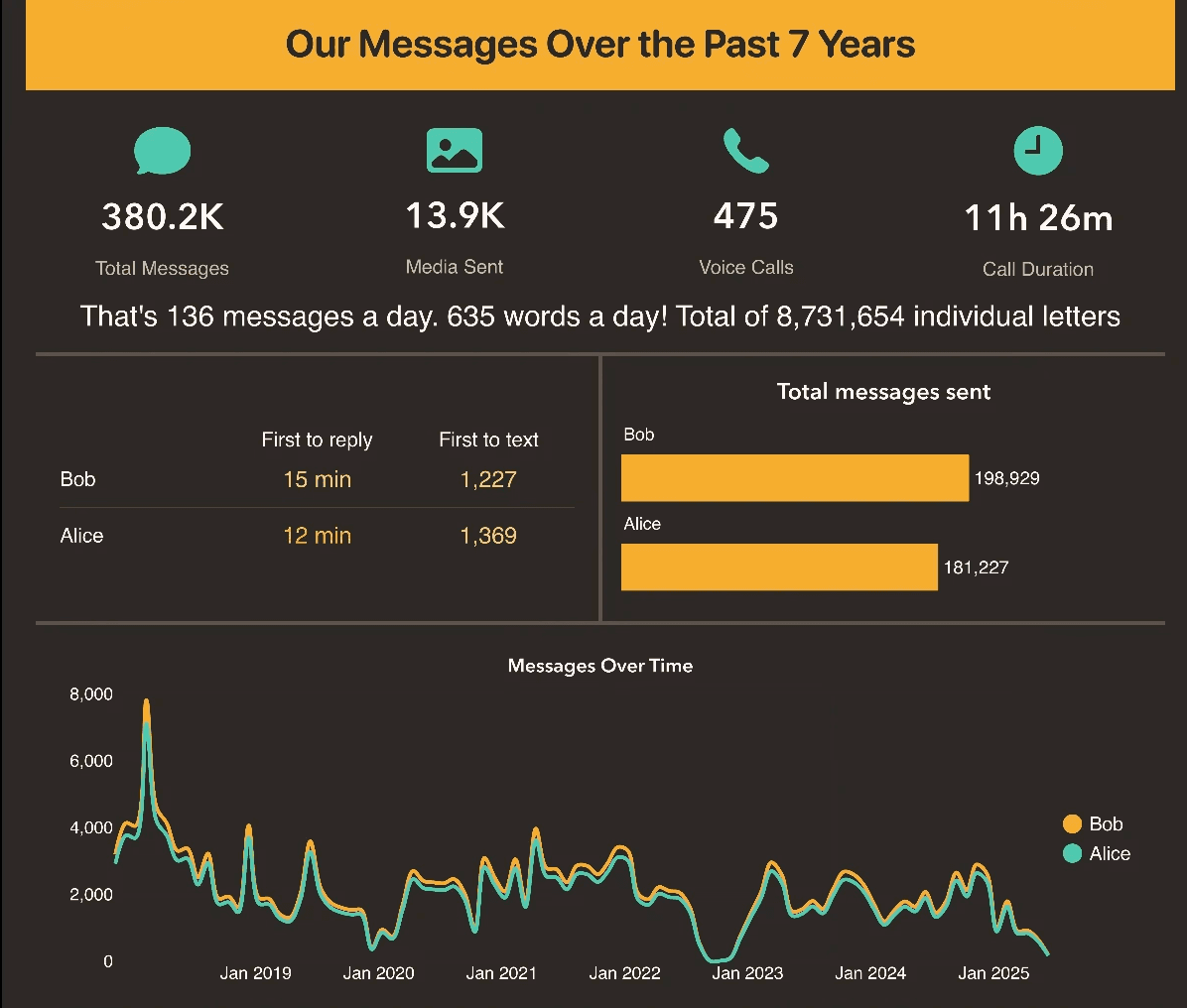
key message statistics
reply behaviour over time
emoji trends
visual timelines
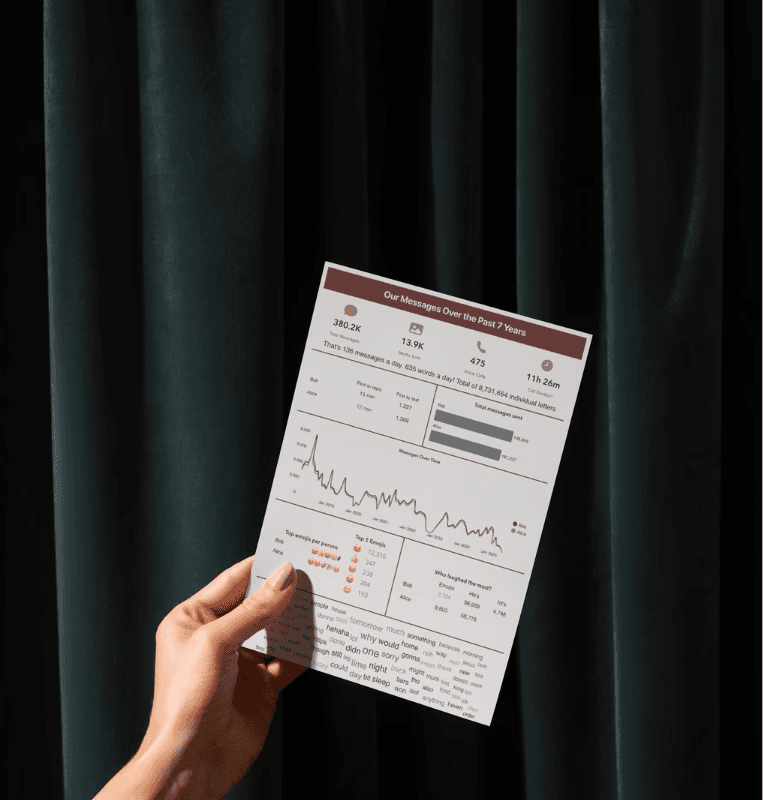
and your automatically designed poster
All of this happens locally on your device.
Your Data Remains Private
Chalytics does not upload or store your chats anywhere.
There are no servers, cloud systems or external connections involved.
Analysis is performed directly on your phone, and you can even use the app in airplane mode.
Final Thoughts
Exporting your WhatsApp chat allows you to view your conversations in a new, meaningful format. In just a few steps, you can gain insight into years of messages and turn them into a visual keepsake.
If you are ready to see your chat history in a new way, download Chalytics and begin your analysis.